
Menu option: Design > IPv6
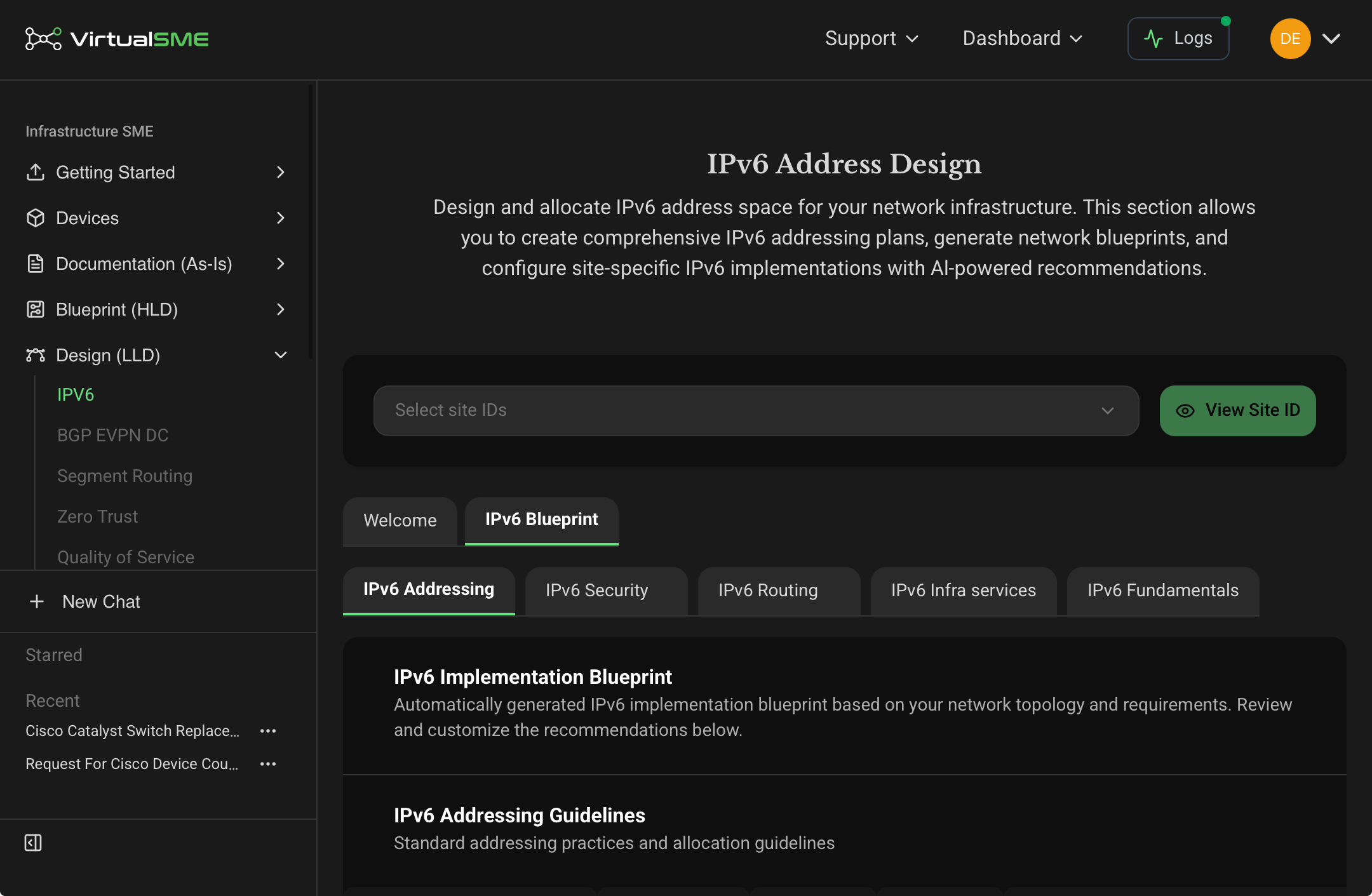
Allocation Design
VirtualSME IPv6 Address Space Allocation enables you to configure and manage IPv6 address ranges across multiple network sites.
Using a base or root address that you supply, VirtualSME generates subnets which you allocate to your network devices as required.
You can input Global Unicast Address (GUA) prefixes for publicly routable IPv6 address spaces, and Unique Local Address (ULA) prefixes for IPv6 address spaces. You can set up as many GUA address spaces and ULA address spaces as you need.
There are three steps to GUA allocation, and two steps to ULA allocation.
- Set up an IP address space.
- [GUA only] Set up an address schema.
- Set up an allocation method, per one or multiple Site IDs
Related Articles
- Getting Started with IPv6 Allocation
- Configure an IPv6 address space
- Set up a Schema for a GUA address ranges
- Set up an allocation method for a GUA address range
- Set up an allocation method for a ULA address range
Blueprint Design
The IPv6 Blueprint tab has a number of sub-tabs that together provide the blueprint for how IPv6 address management organises network features. Categories that can be managed include:
- IPv6 Addressing - This feature defines the addressing practices and allocation guidelines that apply to network elements in your Sites.
- IPv6 Security - This feature enables you to switch on or off selected IPv6 security features across all sites, in the following format:
Related Articles
Comments
0 comments
Please sign in to leave a comment.